BeamNG Mod Manager 🧡 Update 0.8.42-0.8.44: The Dependencies System gets a bit better. Now User-Correctable and More Complete.
Released August 27, 2026
Three quick releases refining the dependency checking from a couple weeks back, plus a couple of small fixes.
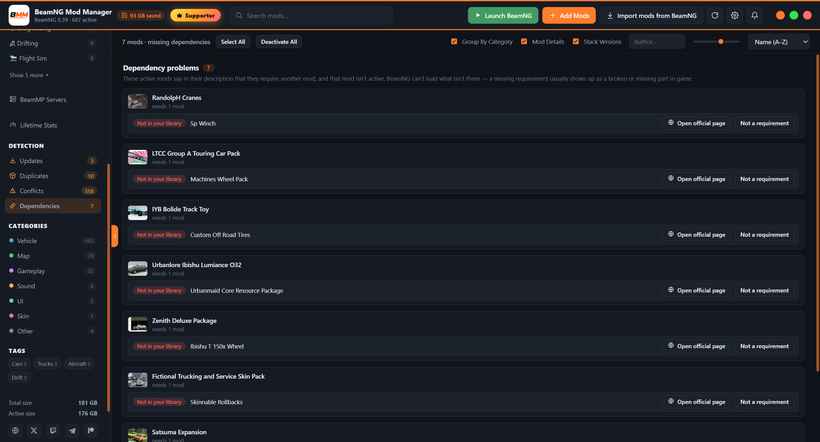
Dependencies you can correct - You can now dismiss a dependency warning that doesn't apply to you. A mod's required-mod info only exists as free-form text in its description, so BMM can occasionally read a requirement that isn't really one; if that happens, click "Not a requirement" on the Dependencies page and the warning clears from the badge, the page, and the before-launch check all at once. Changed your mind? Open the mod's details page and choose "Re-include" - dismissals survive a rescan and are saved in your backups. And when a required mod is one you already own in more than one version, BMM now offers to activate the same build the rest of the app already treats as newest, so the Dependencies page, your Loadouts, and your version stacks all agree on which copy is current instead of occasionally disagreeing.
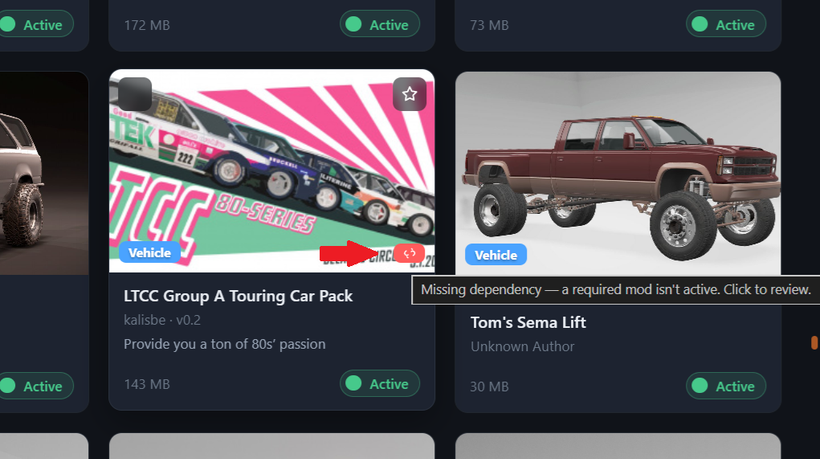
Dependencies filled in - Some mods don't clearly say which other mods they need; the requirement's buried in the description, or just not written down at all. BMM can now fill those gaps from a small, curated list, so a required mod the description didn't spell out still gets flagged on the Dependencies page, in the mod's details, and in the before-launch check. Anything that doesn't apply to your setup is still one click to dismiss, exactly like above. This works quietly in the background and needs no action from you - the list is maintained centrally and picked up automatically, so coverage can improve over time without waiting for an app update.
*This is something I have to do manually as we go so bear with the time it might take to cover more and more mods*
Two other small fixes: Deleting mods is a little safer now - If you had mods selected and then opened the Dependencies page, which shows a list rather than your mod cards, the Delete key and the bulk buttons could still act on mods that weren't on screen. Those actions are now hidden on that page, and your selection is kept intact for when you go back to a normal view. And if you manage mods for your own multiplayer server (the My Server view) and update a mod your server was serving, the update message now reminds you the server is still handing out the previous version until you re-activate it there - so what your server serves and what your library shows don't quietly drift apart.
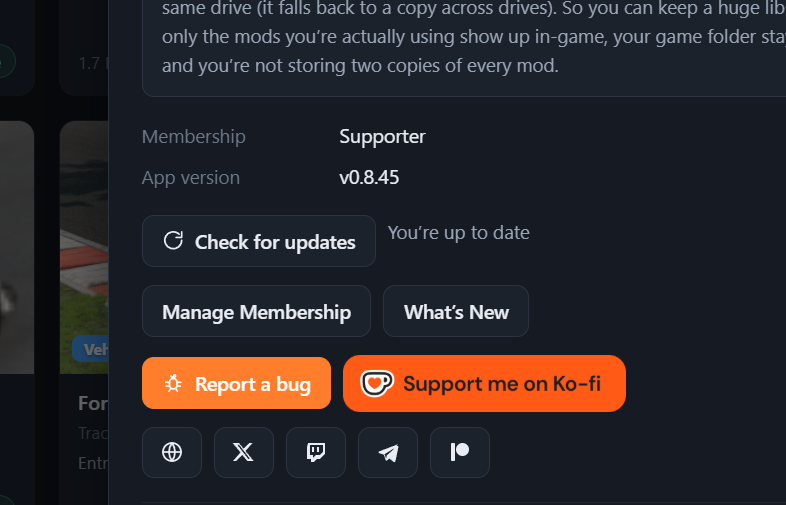
Updating: on 0.8.8 or newer, just hit Settings → Check for updates (or the update pill in the top bar). Or:
Download here: BeamModManager.xyz
(Portable version is on there)
Cheers!
NickTheGrizzly 🧡
Save time and space so you can play more BeamNG.